 By
By If you have been browsing Reddit for ways to bypass Turnitin lately, you’ve probably seen the panic. Everyone is asking the same question: Can Turnitin detect ChatGPT in 2026?
The honest answer is: Yes, it can.
I have access to a Pro Turnitin Instructor Account, so I see what professors see on the other side. The new algorithm is really good at spotting AI, even when we try to be sneaky with our prompts.
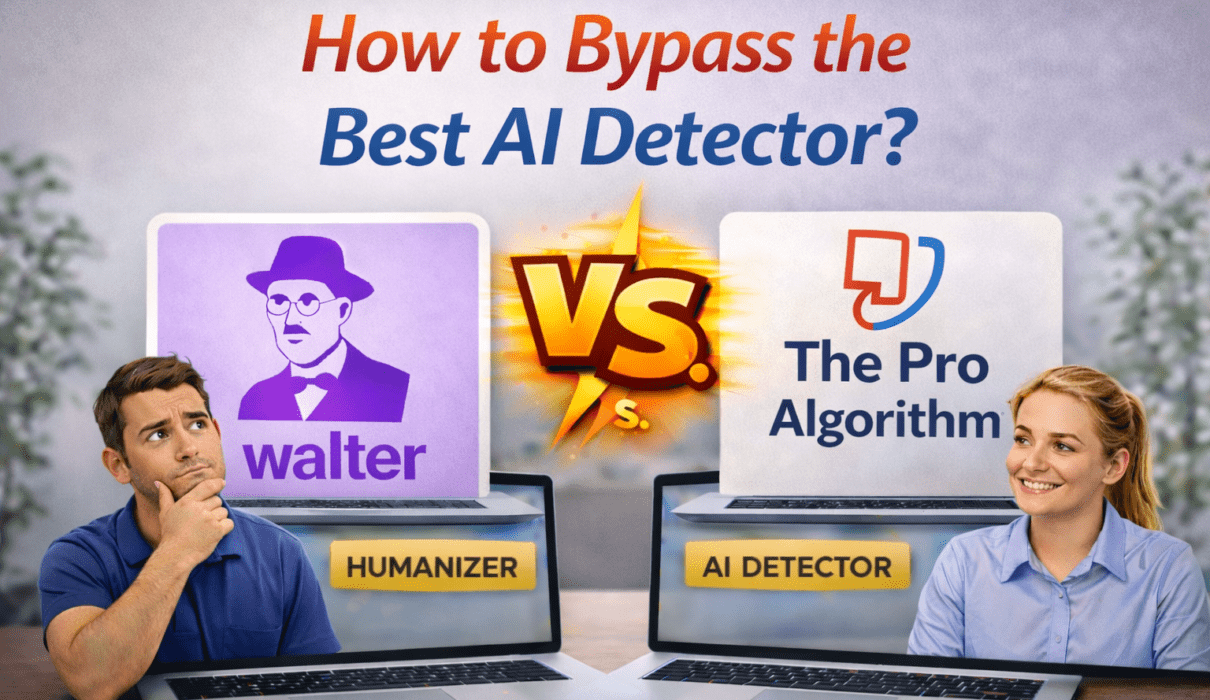
So, I decided to run a little experiment. I wanted to see if there was a reliable way to bypass it without using those sketchy “free” tools that never work. I tested Walter Writes AI against the real Turnitin dashboard to see if it could actually help us out.
Here is exactly what happened when I tried to take an essay from a 100% Score down to a 0% Score.
Step 1: The Setup (Trying to Outsmart the AI)
I didn’t want to make this easy for Turnitin. I used OpenAI’s latest GPT-5.2 model and gave it a very specific prompt to avoid those obvious “AI lists” and dashes that usually give it away.
My Prompt:
“Write a 500-word academic essay on the topic: ‘From Chatbots to Agents: How Agentic AI Will Replace Traditional Generative AI in 2026.’ No chatgpt dashes.”
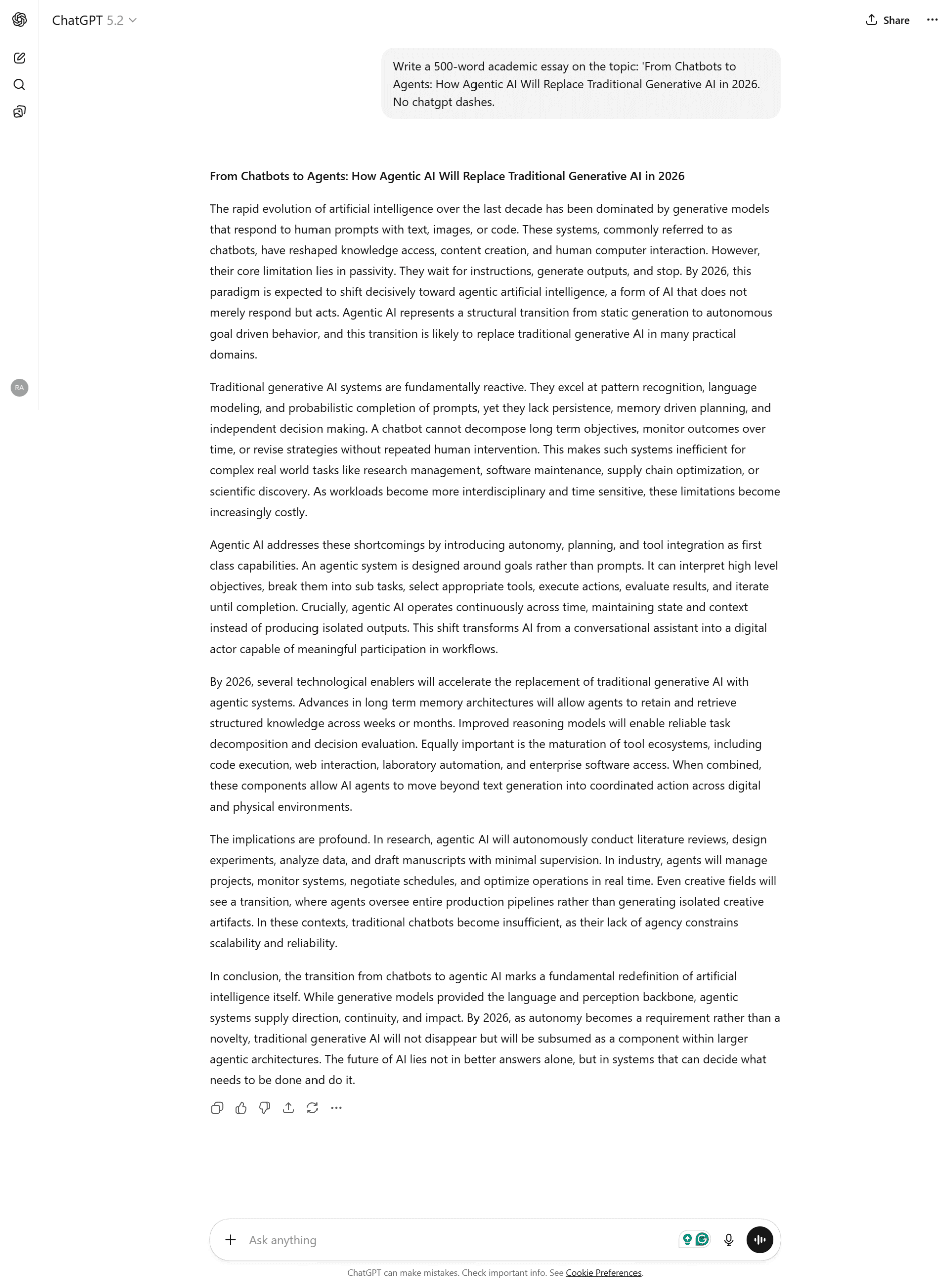
I took the generated text, pasted it into a Microsoft Word document, and saved it just like a normal assignment. Then, I uploaded that file to my Turnitin dashboard (which uses the same engine as the AI detector in Turnitin within Canvas).
Step 2: The Reality Check (It Failed)
Even though I used a smart prompt and formatted it in Word, Turnitin wasn’t fooled at all.
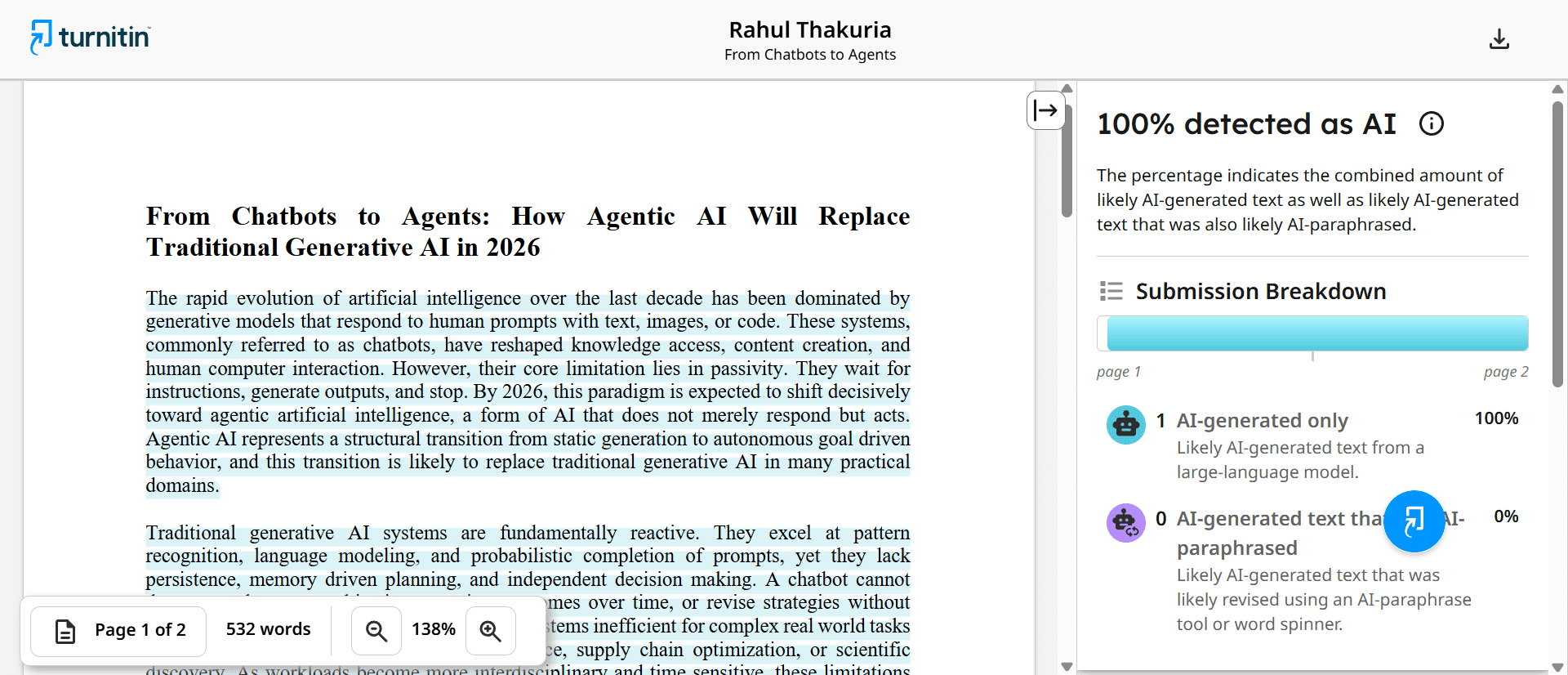
The Result: 100% AI Detected.
This showed me that simply asking ChatGPT to “write naturally” isn’t enough anymore. The sentence patterns still gave it away immediately.
Step 3: Finding the Fix (The Learning Curve)
I knew I needed to rewrite the text completely. I opened Walter Writes AI to see if it could fix the “robotic” feel of the essay.
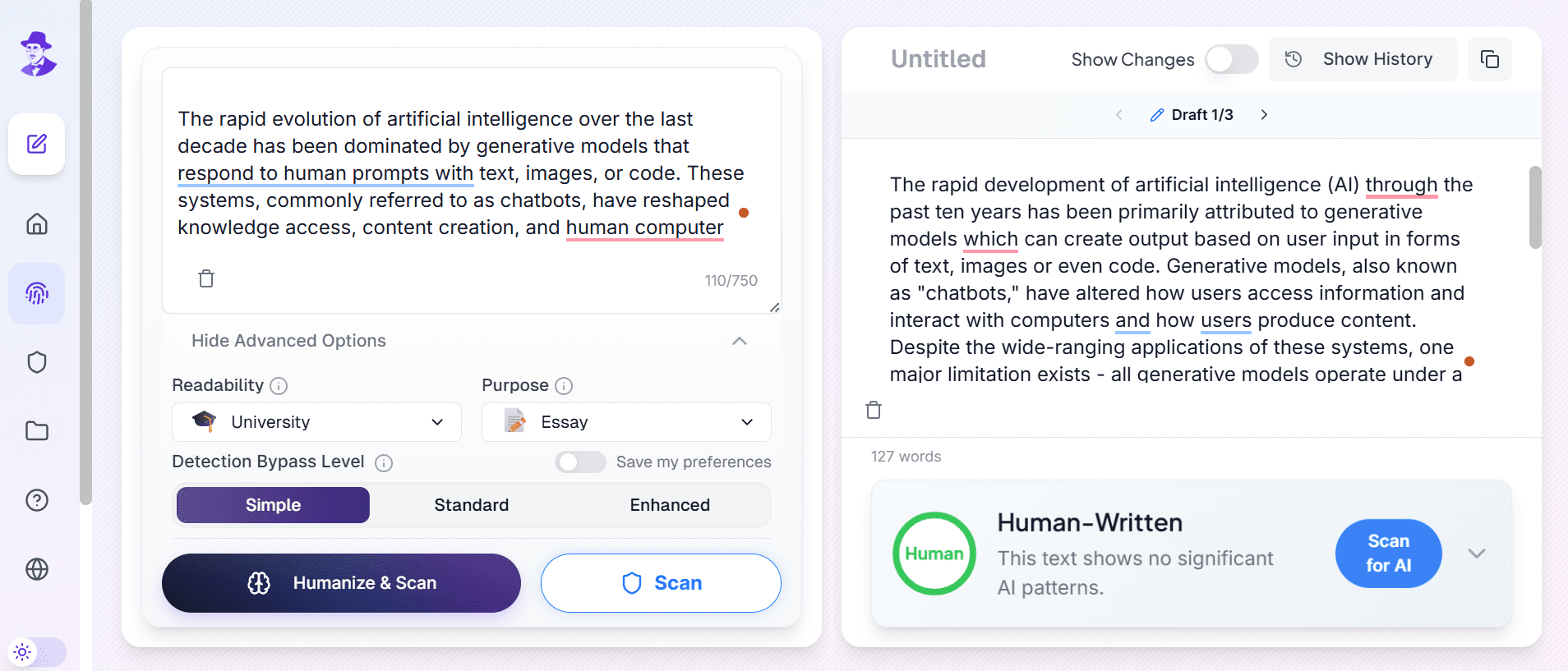
For all my tests, I set the tool to University and Essay mode, but I played around with the “Humanizer Levels” to see what actually works.
Here is the breakdown of my failed attempts:
Attempt 1 (Simple Mode): I pasted the essay and used the “Simple” level.
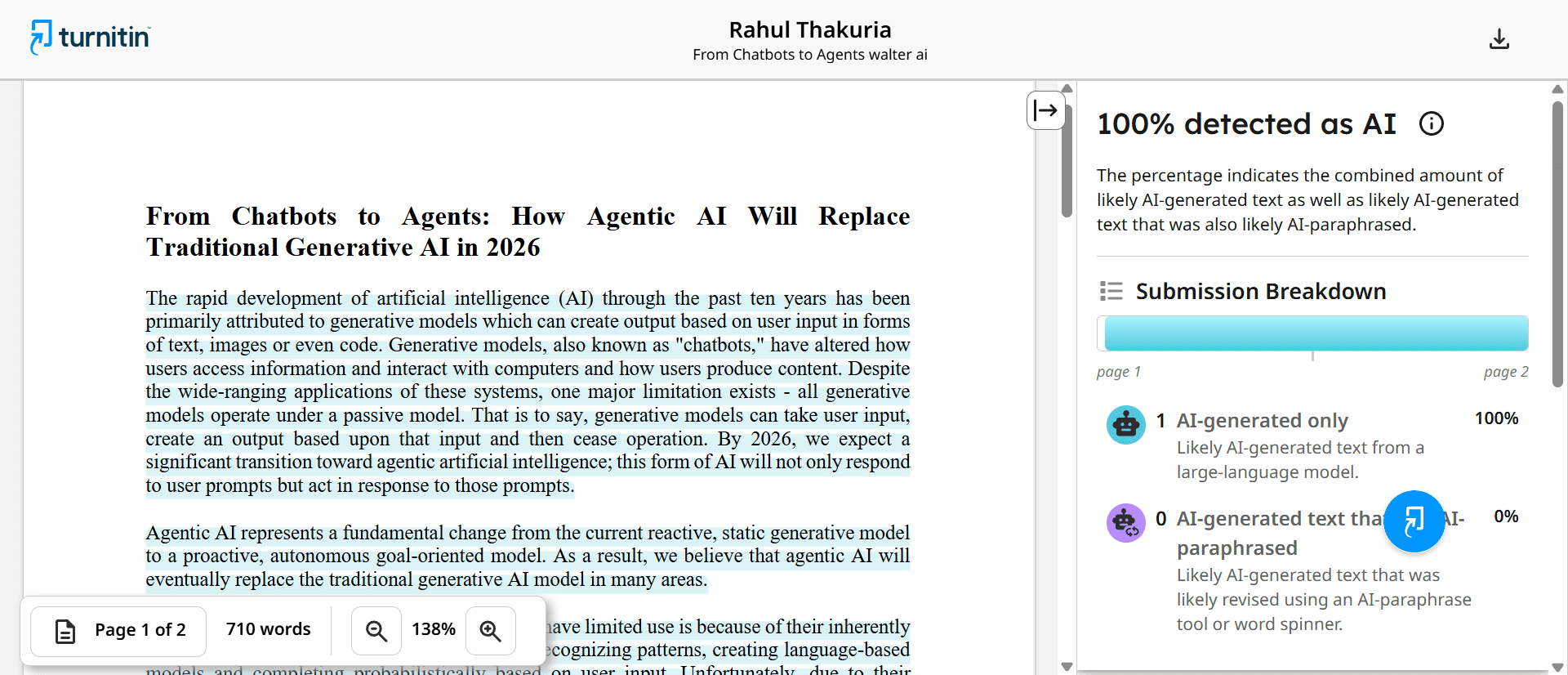
- Turnitin Result: 100% AI.
- Analysis: It didn’t change enough. The score stayed maxed out.
Attempt 2 (Standard Mode): I tried the “Standard” level.
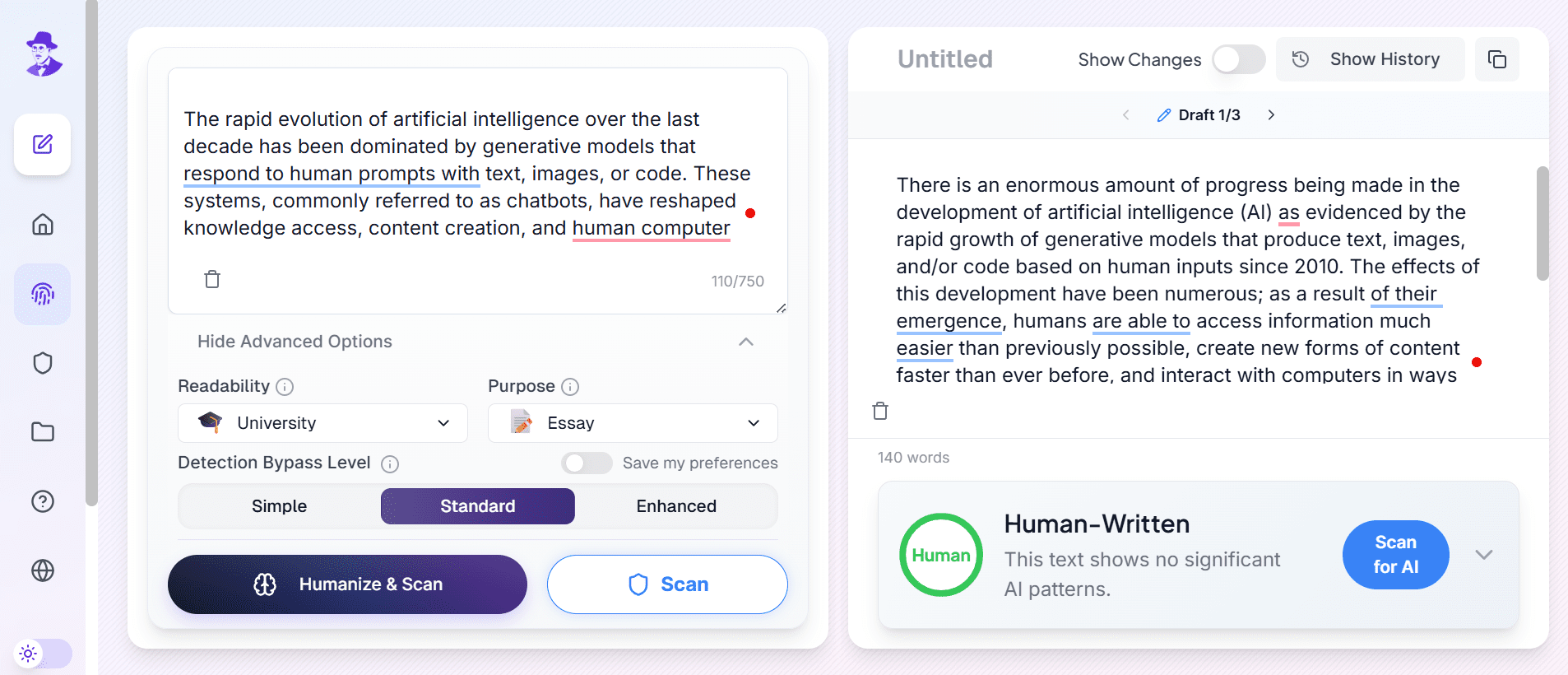
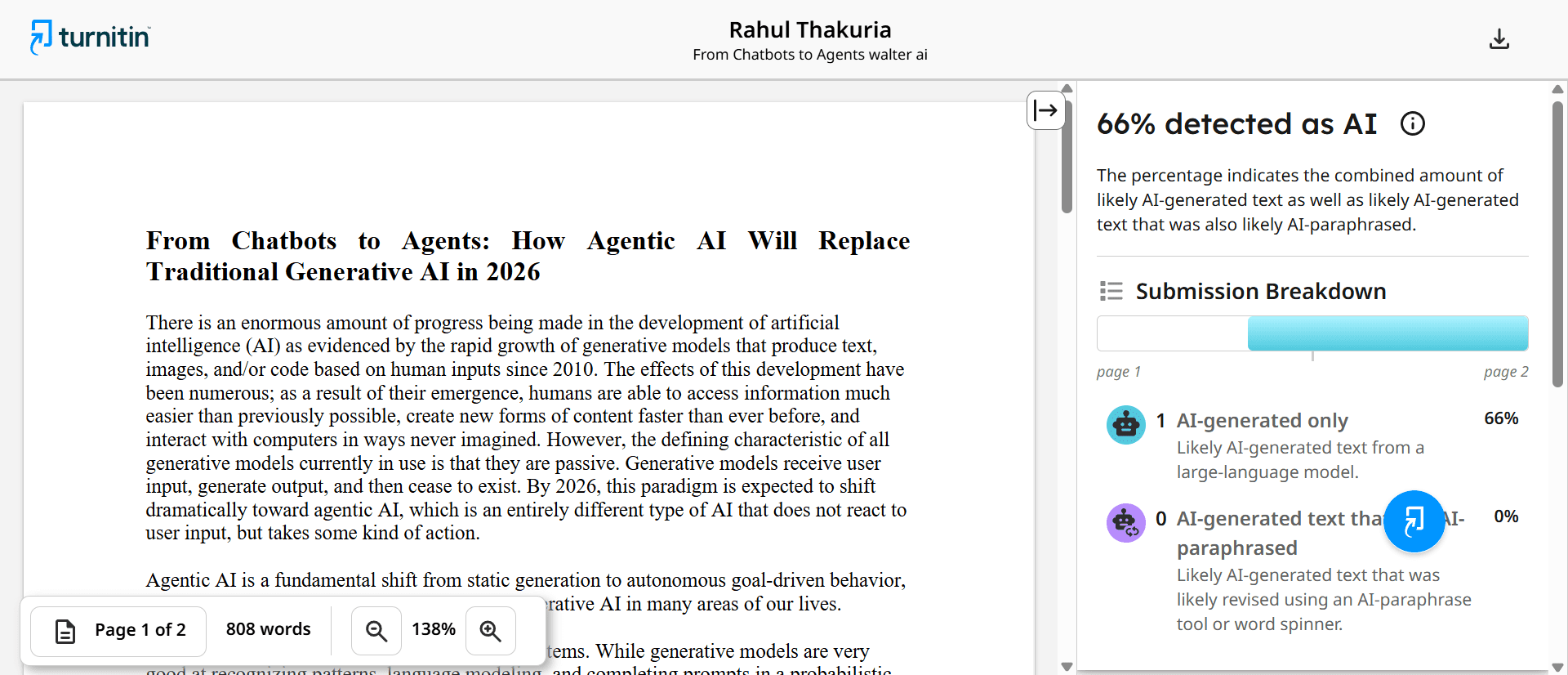
- Turnitin Result: 66% AI.
- Analysis: Better, but still a heavy fail.
Attempt 3 (Enhanced Mode): I used the strongest “Enhanced” level but pasted the whole essay at once.
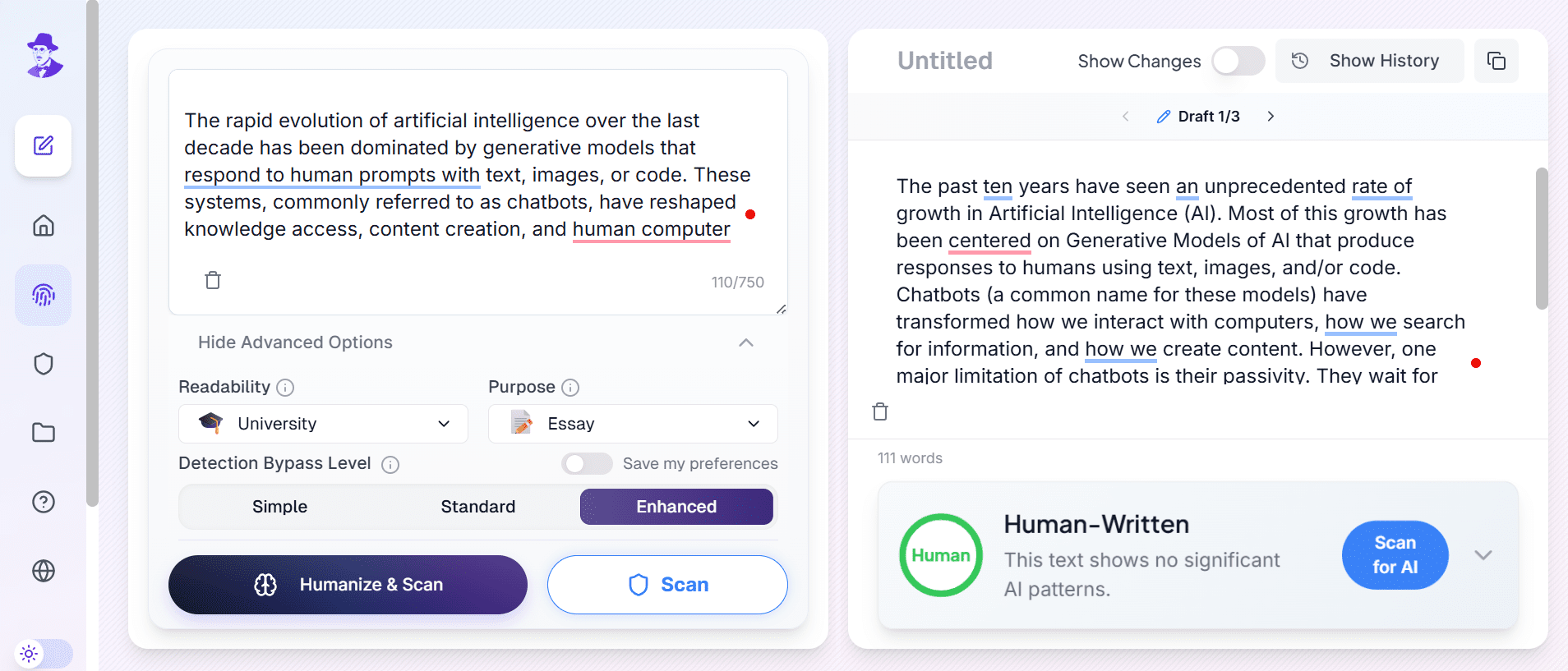
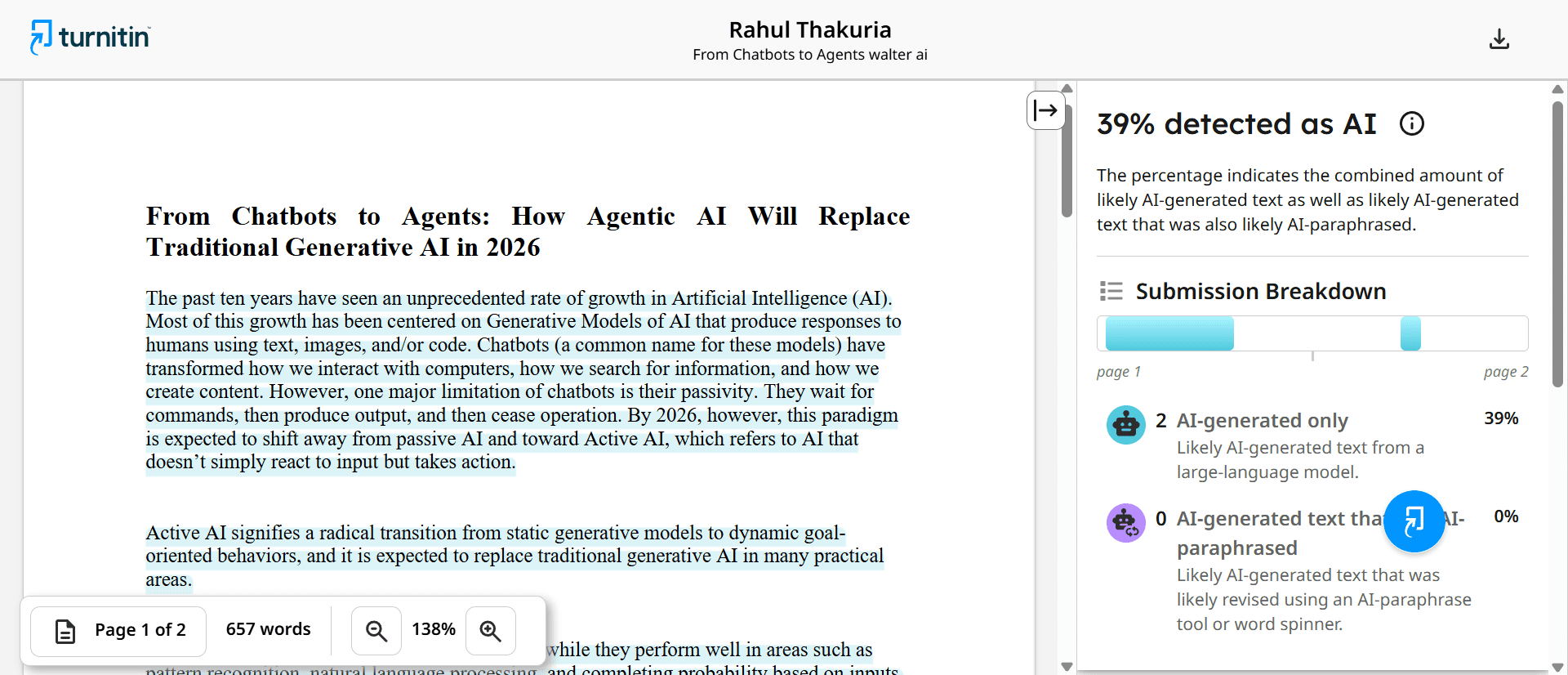
- Turnitin Result: 39% AI.
- Analysis: We are getting closer, but submitting this is still risky.
Step 4: The “Secret” Method (How I Got 0%)
Finally, I tried the workflow that changed everything. I kept the settings on University > Essay > Enhanced, but instead of doing it all at once, I processed the essay one paragraph at a time.
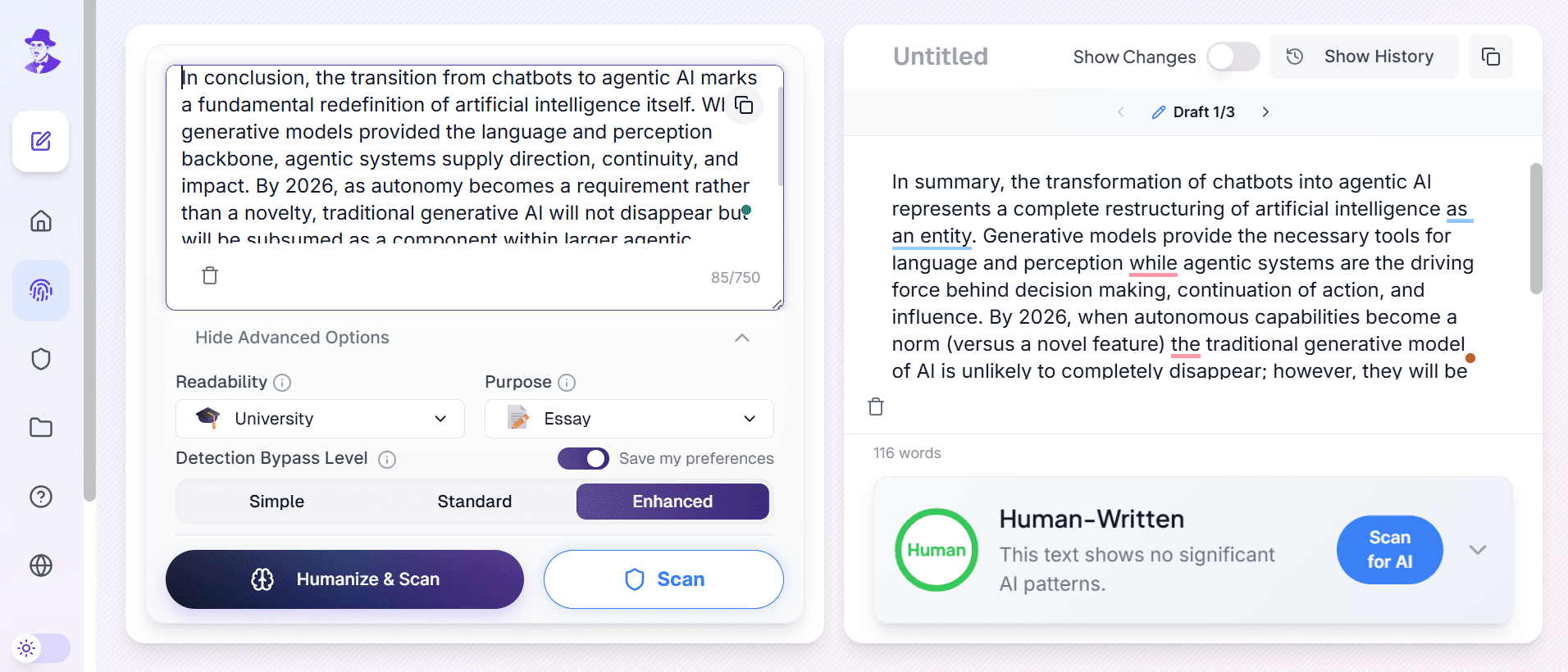
This forced the tool to rewrite every section deeply without skipping over details. Once it was done, I pasted the new humanized text back into a fresh Word document and saved it.
Step 5: The Final Result (Success!)
I uploaded this new “paragraph-processed” Word document to Turnitin and held my breath.
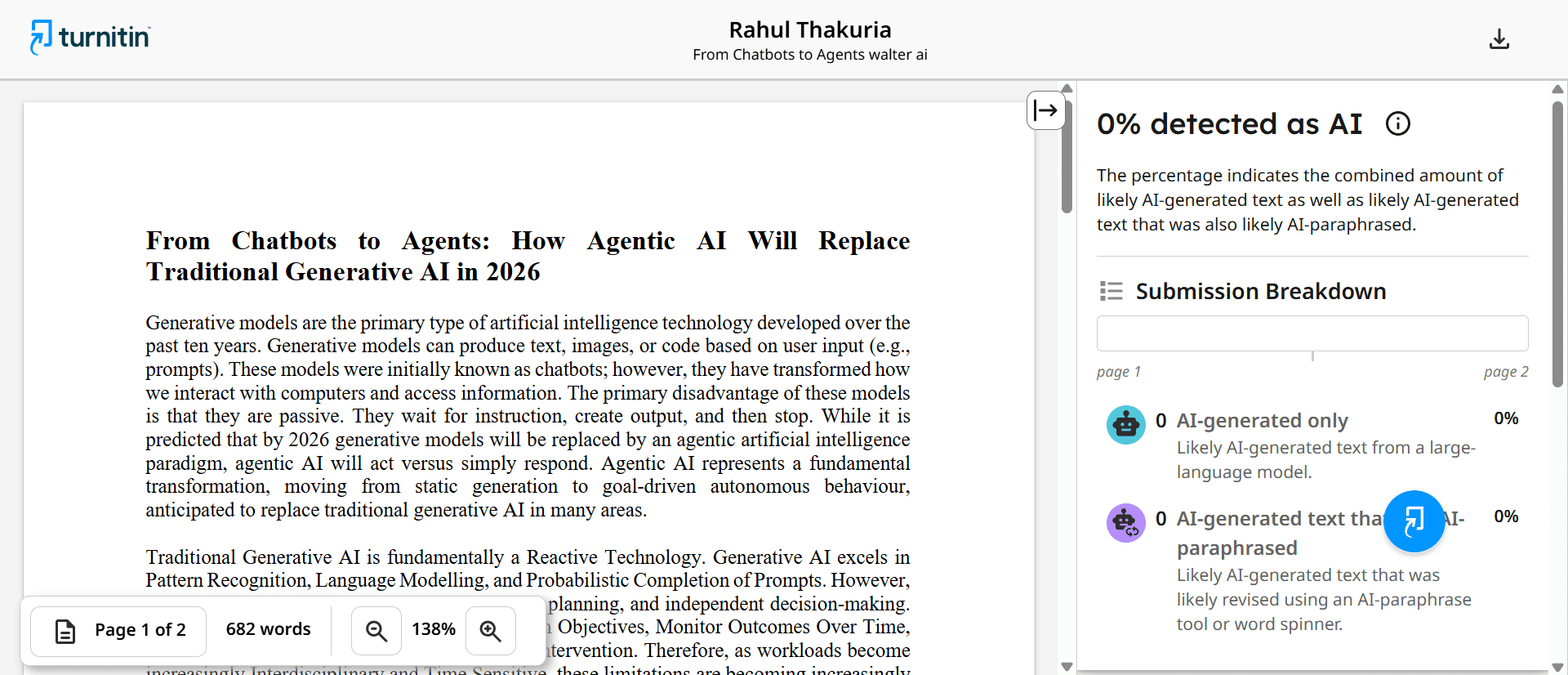
The Result: 0% AI Detected.
It worked perfectly! The high AI score was gone, replaced by a clean report. The essay still made sense and sounded academic, but the digital AI footprint was completely erased.
Conclusion: My Final Advice
If you are looking for how to bypass Turnitin, my biggest tip is this: Don’t rush it.
Walter Writes is a great tool, but if you just paste your whole assignment and hit “Go,” you might still get flagged (like my 39% result).
To get the exact 0% score I got, you must use this specific workflow:
- Generate your draft.
- Use Walter Writes with the “University + Essay + Enhanced” settings.
- Take the extra few minutes to process it paragraph by paragraph.
- Put it in a clean Word doc before checking.
It takes a little extra effort, but it’s definitely worth it to stay safe.