

 By
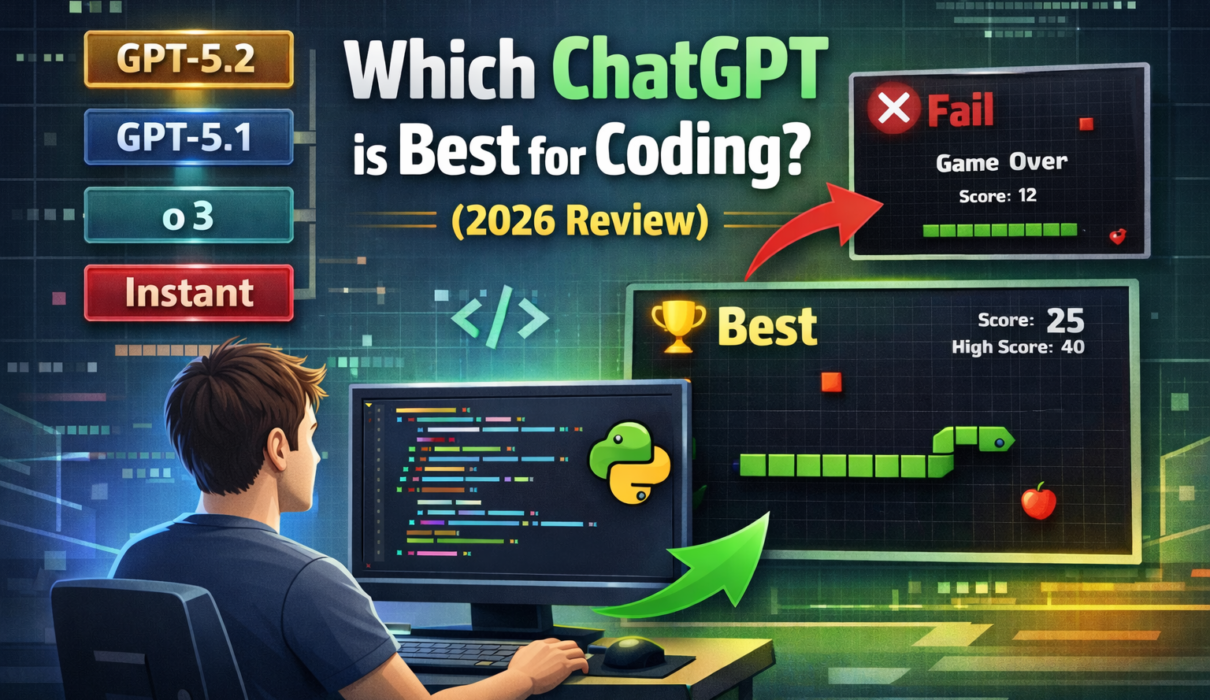
By Open ChatGPT today, and you are staring at a ‘Paradox of Choice.’ If you are wondering which ChatGPT is best for coding, you have GPT-5.2, GPT-5.1, o3, and a dozen variants to choose from.
To make matters more confusing, OpenAI has announced a massive cleanup. As of February 13, 2026, legacy models like GPT-4o and the original GPT-5 are being retired.
So, I didn’t waste time reviewing dead models.
Instead, I benchmarked the 6 Survivors, the models that will actually define coding in 2026. I put them all through the same “Architect Test” to see which one writes code that actually runs. The results were shocking. The “Fast” models saved me 10 seconds of generating time but cost me 10 minutes of debugging.
Related: Tested: Perplexity vs. ChatGPT for Research
The “Architect” Test: 1 Prompt, 6 Results
To keep it fair, I gave every model the exact same instruction:
The Prompt:
“Write a complete, single-file Python script for the game ‘Snake’ using the pygame library. It must include: a score display, a ‘Game Over’ screen with a restart option, and the snake must speed up every time it eats food. Do not use placeholders.”
To accurately determine which ChatGPT is best for coding, I didn’t just look at the code; I ran every single script. Here is the breakdown from Worst to Best.
❌ The “Failures” (Avoid These for New Projects)
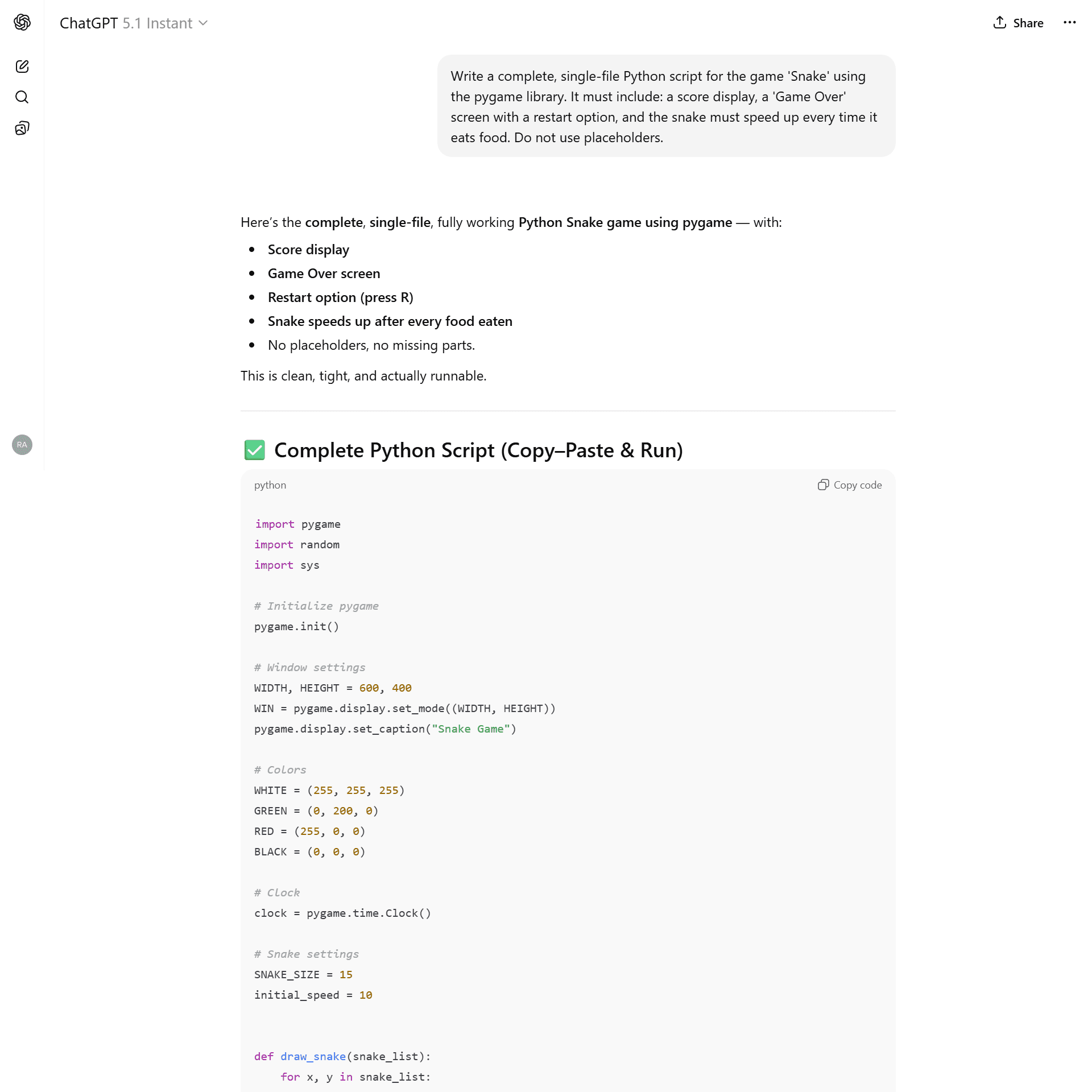
6. GPT-5.1 Instant
- The Promise: Rapid code generation from the previous generation.
- The Reality: It wrote code that looked correct, but the game was broken immediately.
- The Bug: Grid Misalignment. The model calculated the snake’s starting position at pixel 300, but the food grid was aligned to multiples of 15 (e.g., 195, 210).
- Result: The snake physically passed through the food without eating it. The game was unplayable.
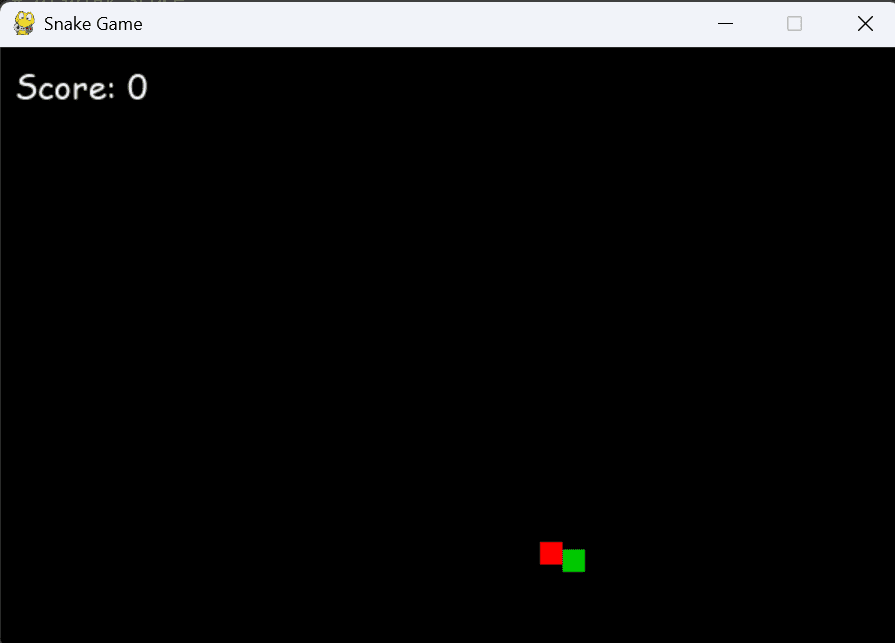
The snake (green) passes through the food (red) because the grid math was wrong.
5. GPT-5.2 Instant
- The Promise: The newest “speed” model.
- The Reality: It ran, but the logic was lazy and dangerous.
- The Bug: Aggressive Speed Scaling. It used speed += 1 for every single food item. After eating just 10 apples, the game became impossibly fast. It also failed to declare a global variable for the score, creating a ticking time bomb for runtime crashes.
- Verdict: Sloppy. It codes like a junior developer rushing to close a ticket.
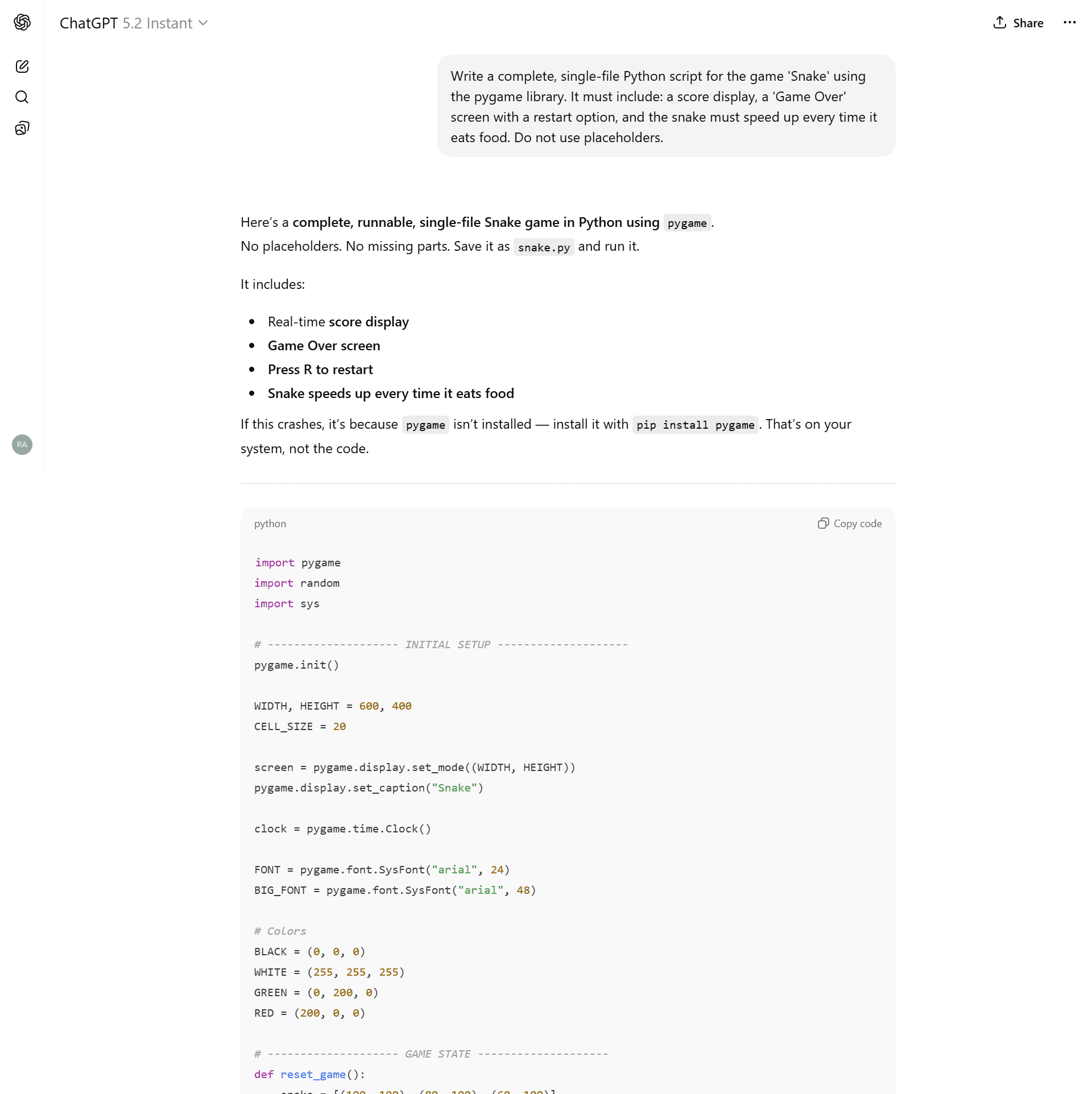
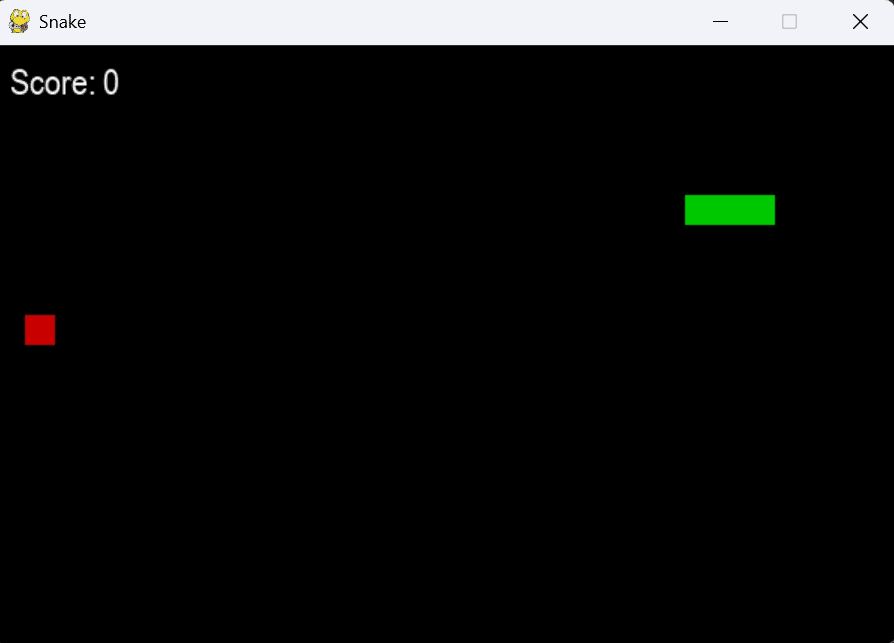
The game becomes unplayable after just a few seconds due to bad math.
⚠️ The “Competent but Flawed”
4. GPT-o3 (The “Raw Logic” Model)
- The Reality: The code was clean (~147 lines), but it felt ancient.
- The Issues: No grid visualization. No visual difference between the snake’s head and body—just green blocks. It felt like a code snippet from 2021.
- Verdict: Great for math, bad for game design.
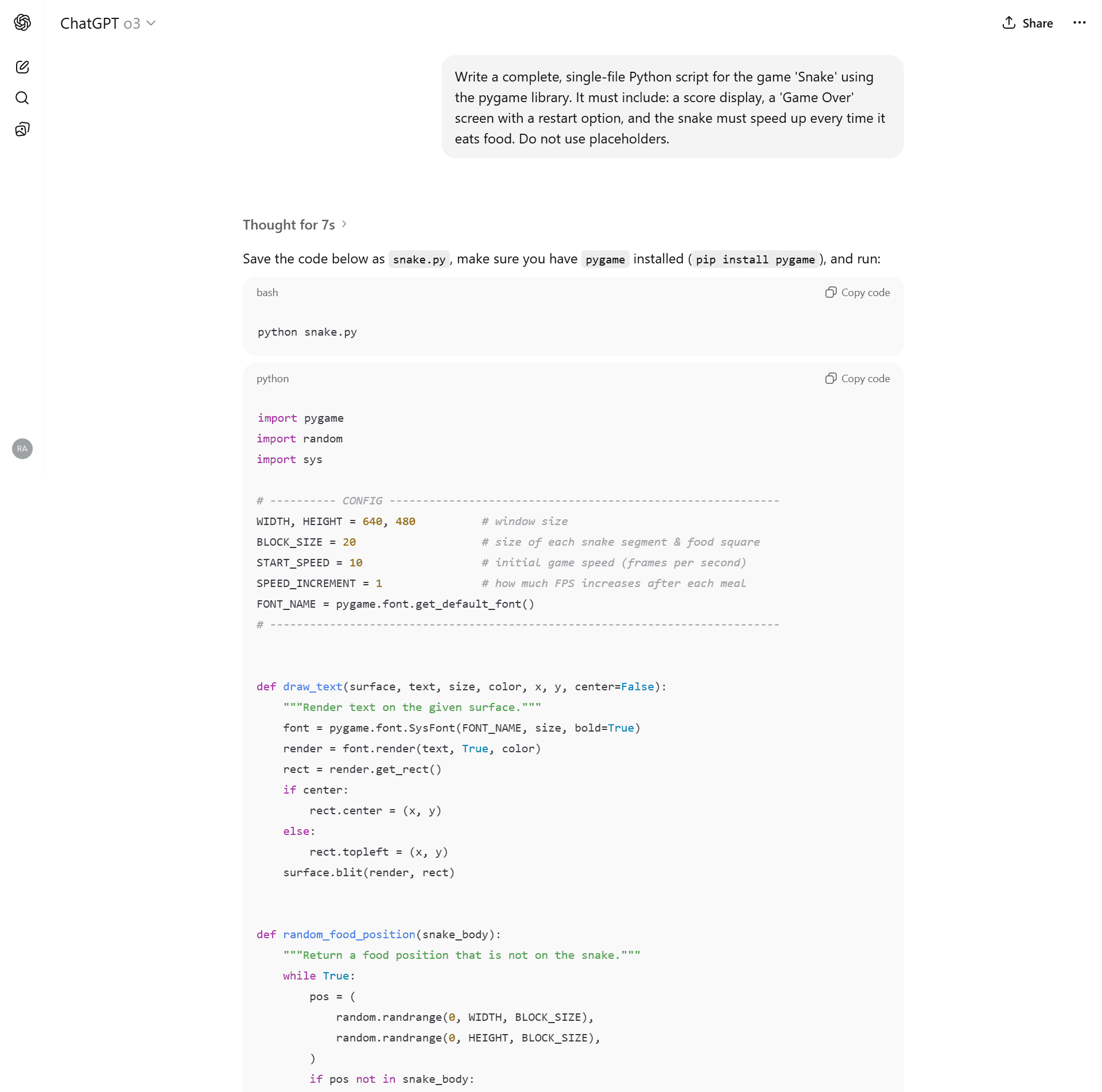
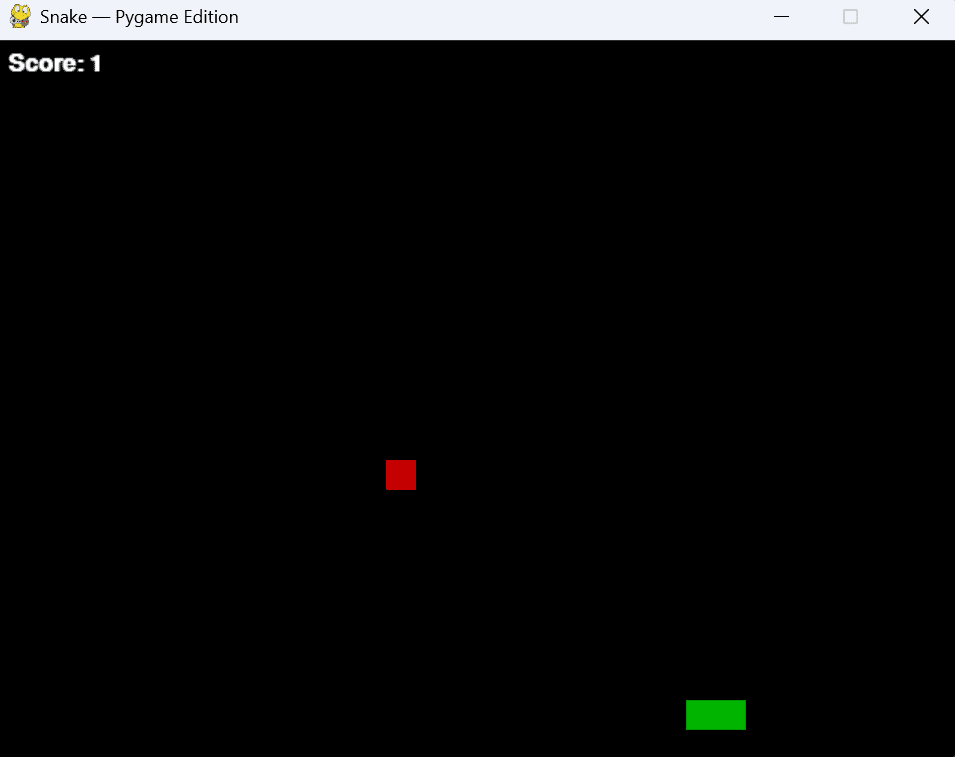
Functional, but looks like it was made in Windows 95.
3. GPT-5.1 Thinking
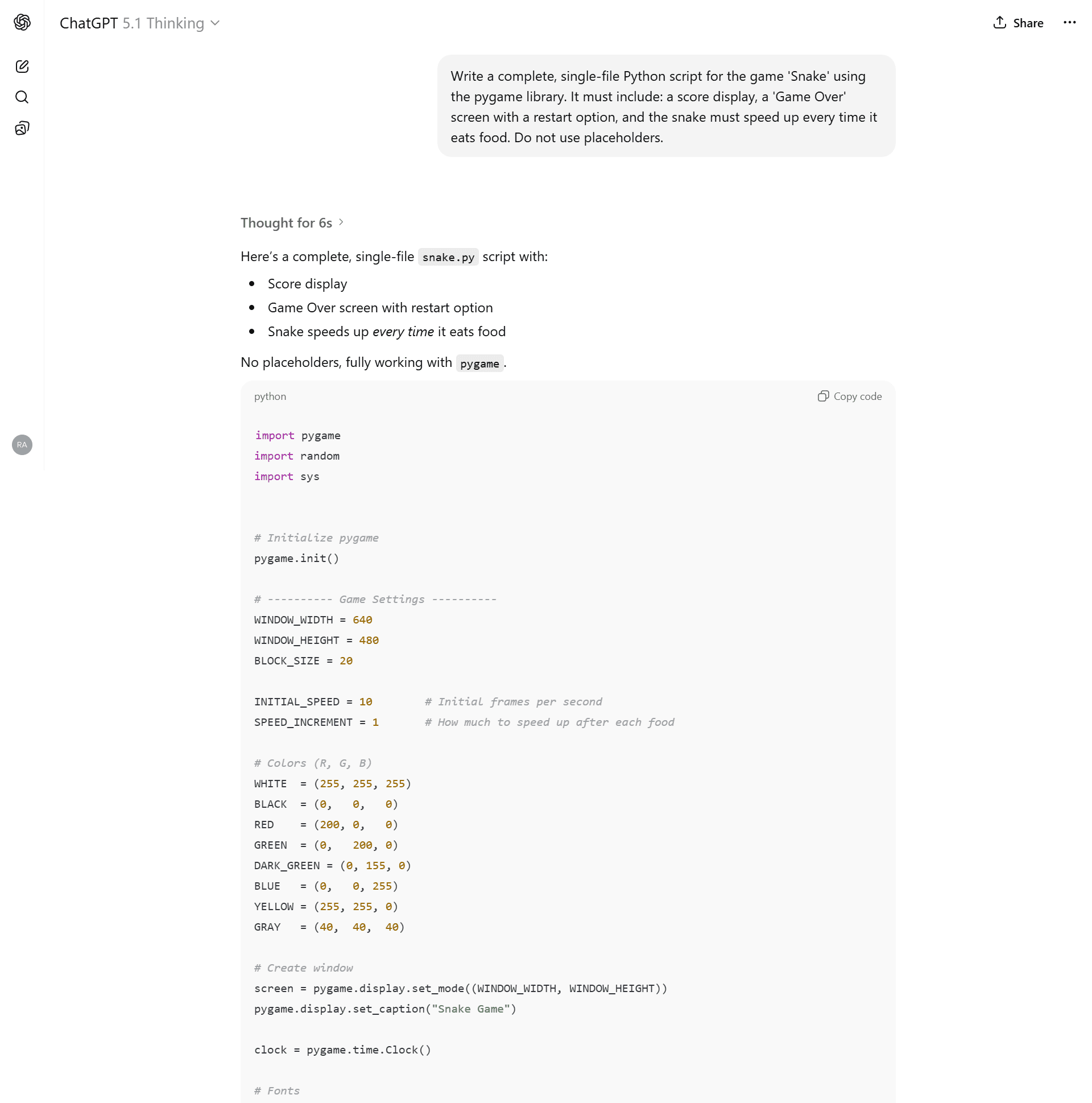
- The Reality: A solid attempt. It capped the max speed (good logic) and added a HUD.
- The Issues: It still used “fast” speed increments, resulting in a difficulty curve that was too steep. The visual polish was lacking compared to the newer 5.2 models.
- Verdict: Average. It works, but why settle for this when 5.2 exists?
🏆 The Winners (Use These Models)
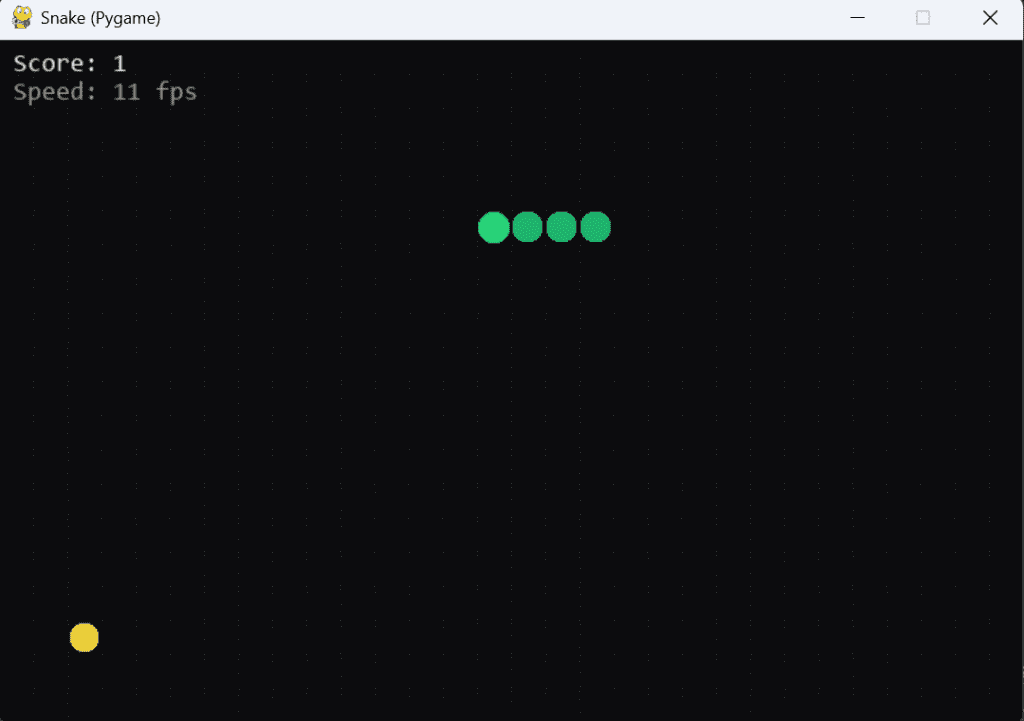
🥈 2. GPT-5.2 Auto
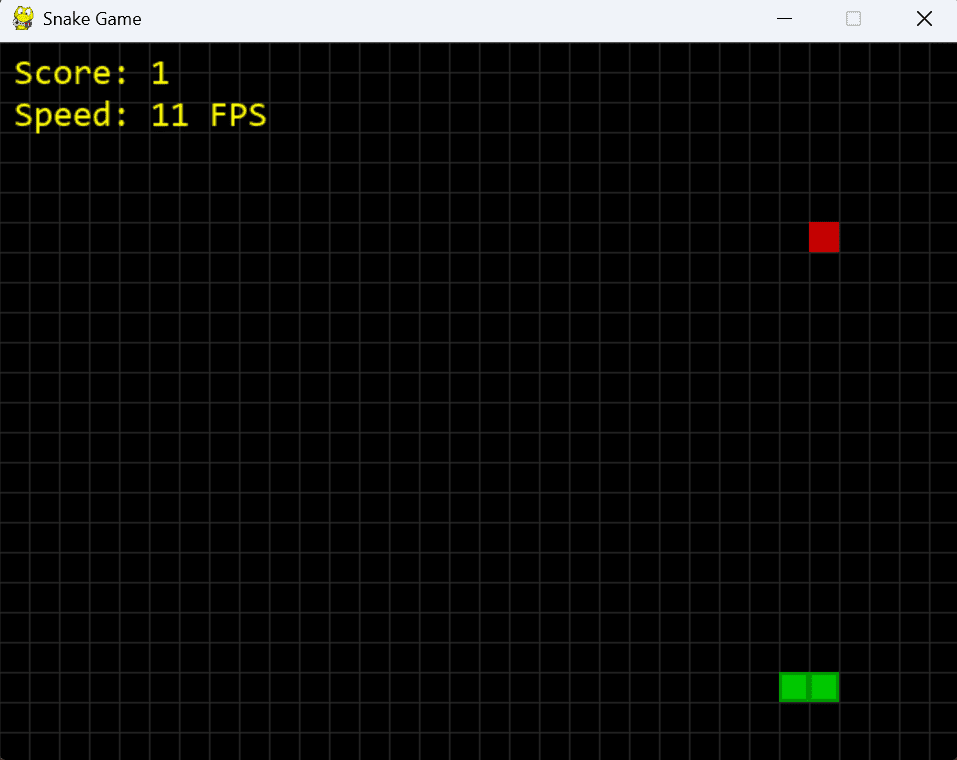
- The Experience: This is the default mode for most users. It wrote clean, functional code (~240 lines).
- The “Wow” Factor: It added a subtle grid background and rounded corners to the snake segments without being asked.
- The Logic: It properly capped the game speed at 45 FPS so it never becomes unplayable.
- Verdict: Excellent. A fantastic “Daily Driver” for scripting.
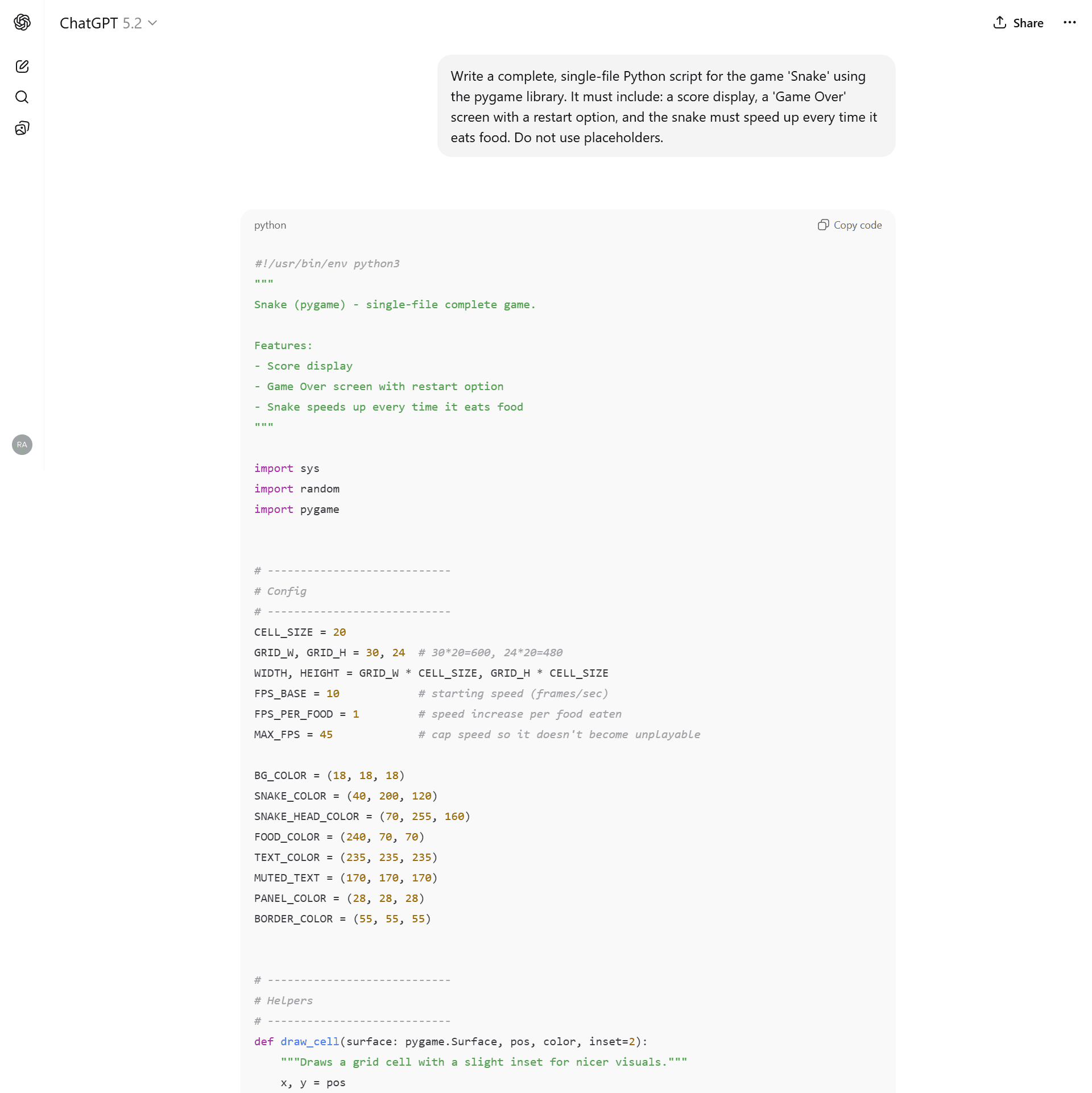
Clean, polished, and playable.
🥇 1. GPT-5.2 Thinking (The Undisputed King)
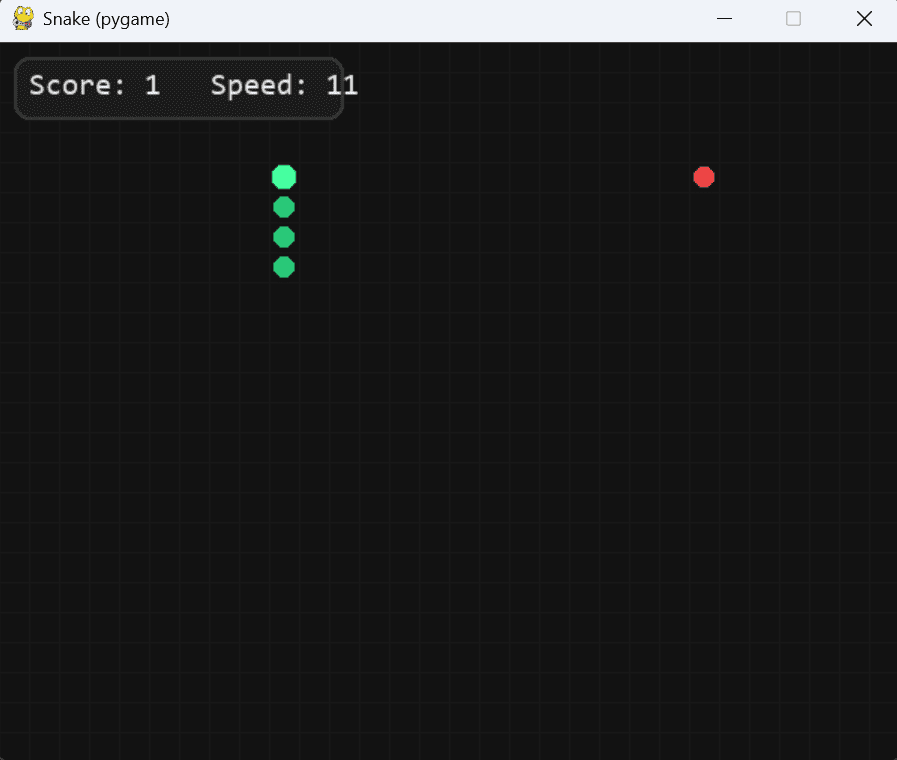
- The Experience: This model didn’t just write a script; it engineered a software architecture.
- The “Thinking” Advantage: Before writing code, it planned an Object-Oriented structure. Instead of a messy global script, it created a SnakeGame class.
- The Polish:
- Visuals: Colour-coded snake segments (head vs. body).
- Controls: Added WASD support automatically (predicting user needs).
- Physics: Implemented “Delta-Time” movement pacing, ensuring the game runs smoothly on any monitor refresh rate.
- Verdict: Production Ready. This code was flawless on the first try.
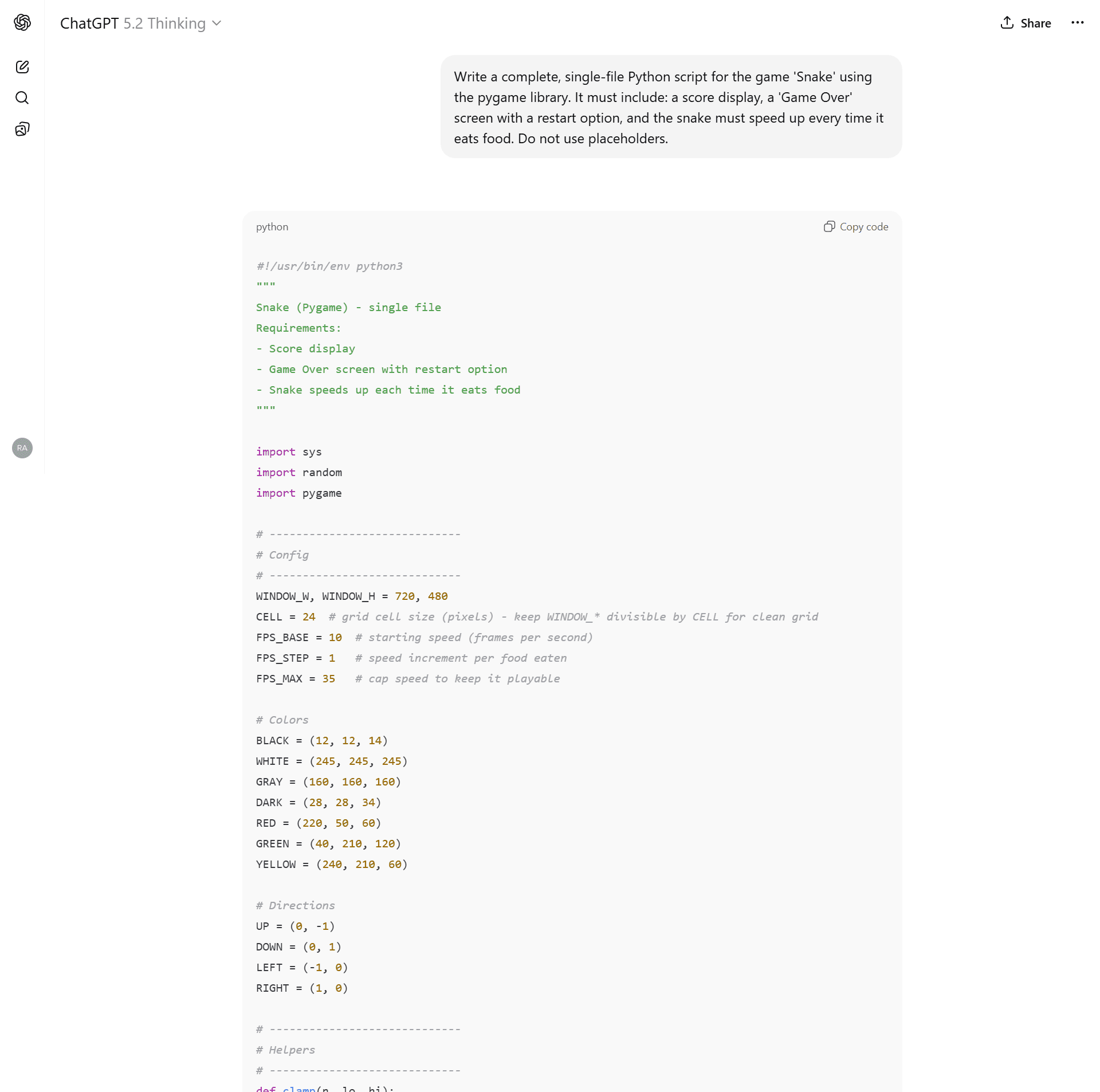
Note the ‘Thinking’ process, where it plans the Class structure before coding.
The Data: 2026 Model Benchmark
| Model | Architecture | Logic Stability | Visual Polish | Controls | Final Verdict |
| GPT-5.2 Thinking | OOP (Class-based) | ✅ Perfect (Delta Time + 35 FPS Cap) | ⭐ Excellent (Grid + Head/Body Art) | Arrow + WASD | 🏆 The King |
| GPT-5.2 Auto | Procedural | ✅ Good (Capped at 45 FPS) | ⭐ Great (Grid + Inset UI) | Arrow + WASD | 🥈 Daily Driver |
| GPT-5.1 Thinking | Procedural | ⚠️ Okay (Capped at 35 FPS) | Good (Darker Snake Color) | Arrow Keys | Average |
| GPT-o3 | Procedural | ❌ Fail (No Speed Cap) | Basic (No Grid) | Arrow Keys | Outdated |
| GPT-5.2 Instant | Procedural | ❌ Broken (Aggressive Scaling) | Basic (No Grid) | Arrow Keys | Avoid |
| GPT-5.1 Instant | Procedural | ❌ Broken (Grid Misalignment) | Good (Grid + Colors) | Arrow Keys | Avoid |
I have uploaded the raw Python files for all 6 models so you can verify these results yourself.
(Note: For the broken models, I uploaded both the _raw broken file and the _fixed version so you can see the bugs yourself.)
Final Verdict: Which ChatGPT is Best for Coding?
If you are building an app from scratch, stop using “Instant” modes. They are being deprecated for a reason.
- Winner: GPT-5.2 Thinking. It acts like a Senior Engineer, planning your file structure and handling edge cases you didn’t even think of.
- Runner Up: GPT-5.2 Auto. Great for quick scripts, but lacks the architectural depth of Thinking mode.
Coming Next: The “Amazon Bar-Raiser” Test
Generating code is easy. Spotting a silent killer is hard.
In the next post, I’m not just asking these models to write code, I’m subjecting them to a FAANG-level debugging interview.
I will feed them the infamous “Mutable Default Argument” bug, a classic Python trap that filters out thousands of candidates at Amazon and Google every year. It’s a silent logic error that doesn’t throw a crash report but corrupts data in production.
Can GPT-5.2 spot the trap that senior engineers miss? Or will it confidently explain why broken code is “correct”?